Physical Address
304 North Cardinal St.
Dorchester Center, MA 02124
Physical Address
304 North Cardinal St.
Dorchester Center, MA 02124

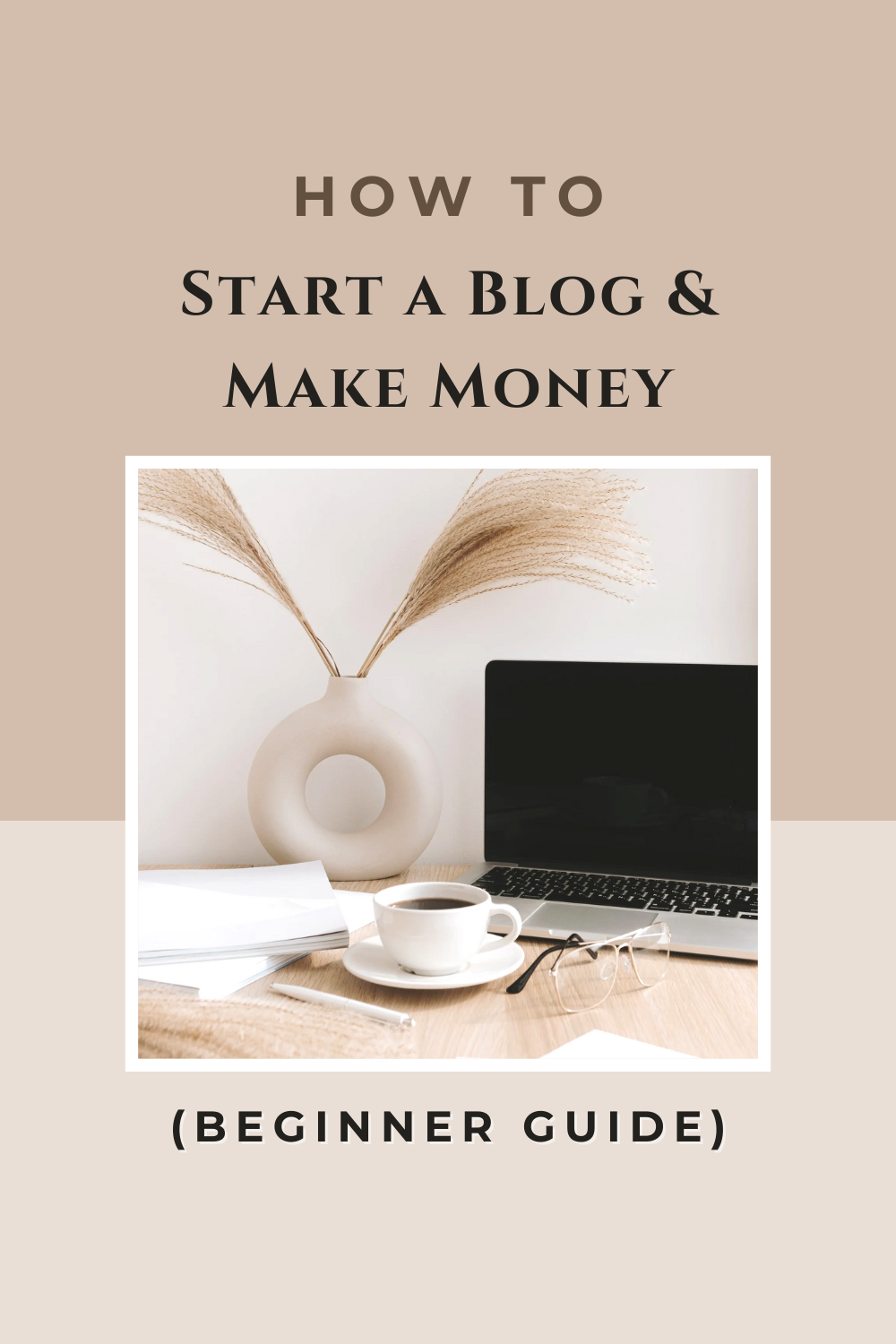
If you are a beginner blogger struggling to get visitors, Pinterest can be a powerful traffic source.
Many beginners think Pinterest is just a social media app. In reality, Pinterest works more like a visual search engine, and bloggers use it to drive traffic to their websites every day.
In this post, you’ll learn how Pinterest works for blogging, why it is beginner‑friendly, and how you can start using it step by step.
Pinterest is a visual search platform where people search for ideas, solutions, and inspiration.
Instead of scrolling endlessly like Instagram or Facebook, users come to Pinterest with intent — to learn, plan, or take action.
When you create a Pin (an image with text), it can send traffic to your blog for months or even years.
Pinterest is beginner‑friendly because:
This makes Pinterest ideal for new blogs with low traffic.
Here’s the simple process:
When people click your Pin, they visit your website.
A business account gives you access to analytics and allows Pinterest to understand your content better.
Choose a username related to your blog niche and add your website link.
Your profile should clearly say:
Use keywords related to blogging, affiliate marketing, or your niche in your bio.
Boards help Pinterest understand your content.
Examples:
Add short keyword‑rich descriptions to each board.
Your Pin should:
You don’t need fancy designs — clarity matters more than beauty.
Consistency is more important than volume.
Start with:
Over time, Pinterest learns who to show your content to.
Pinterest is a slow‑burn platform.
Most beginners see results after:
Patience and consistency are key.
Avoid these beginner mistakes:
Pinterest rewards consistency and helpful content.
Yes — especially for beginners.
If you:
Pinterest can become one of your best traffic sources.
Pinterest is not magic, but it works.
When combined with helpful blog content, Pinterest can drive long‑term traffic without ads.
Start simple, stay consistent, and focus on learning — results will follow.